
Your lectures become a course.
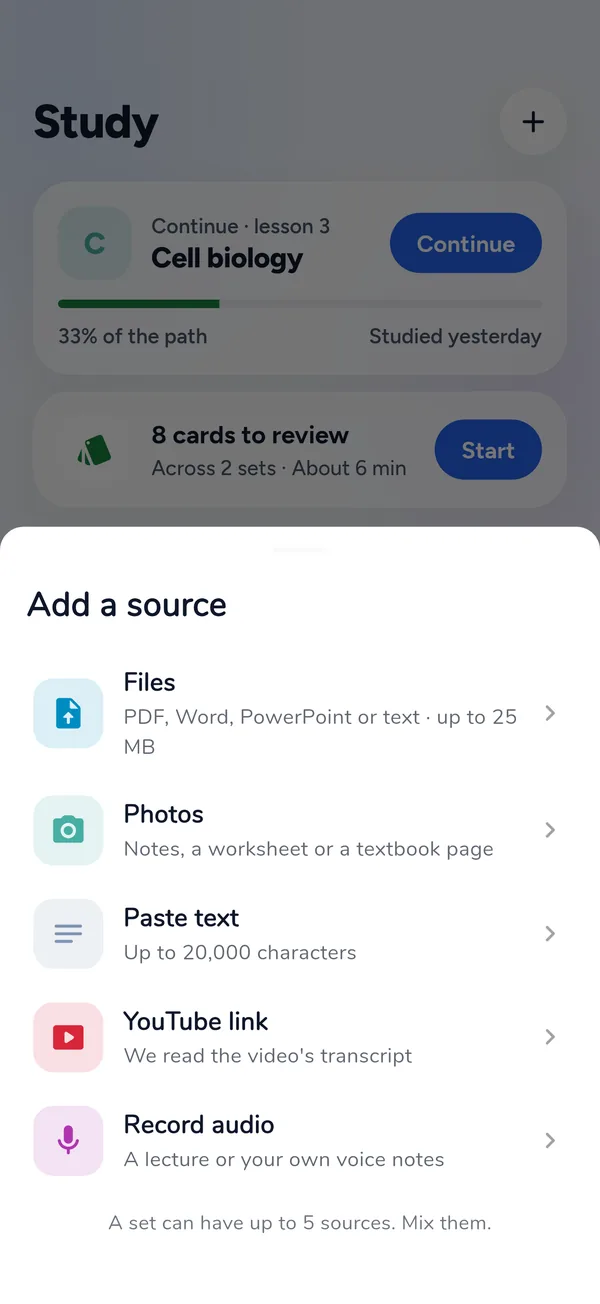
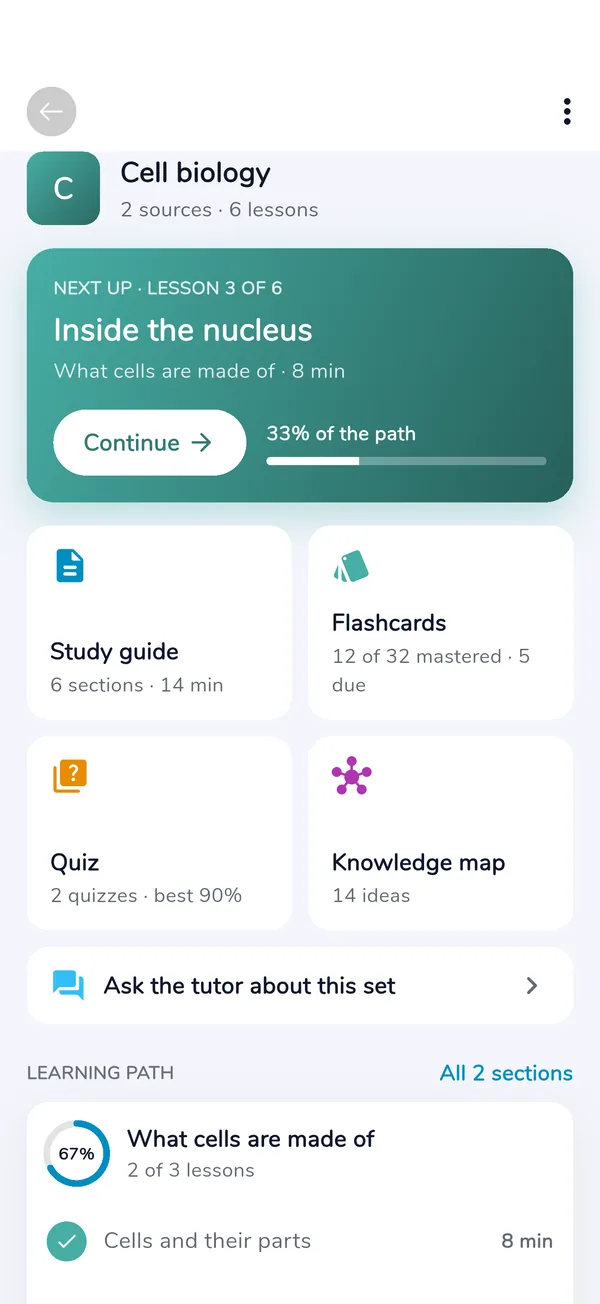
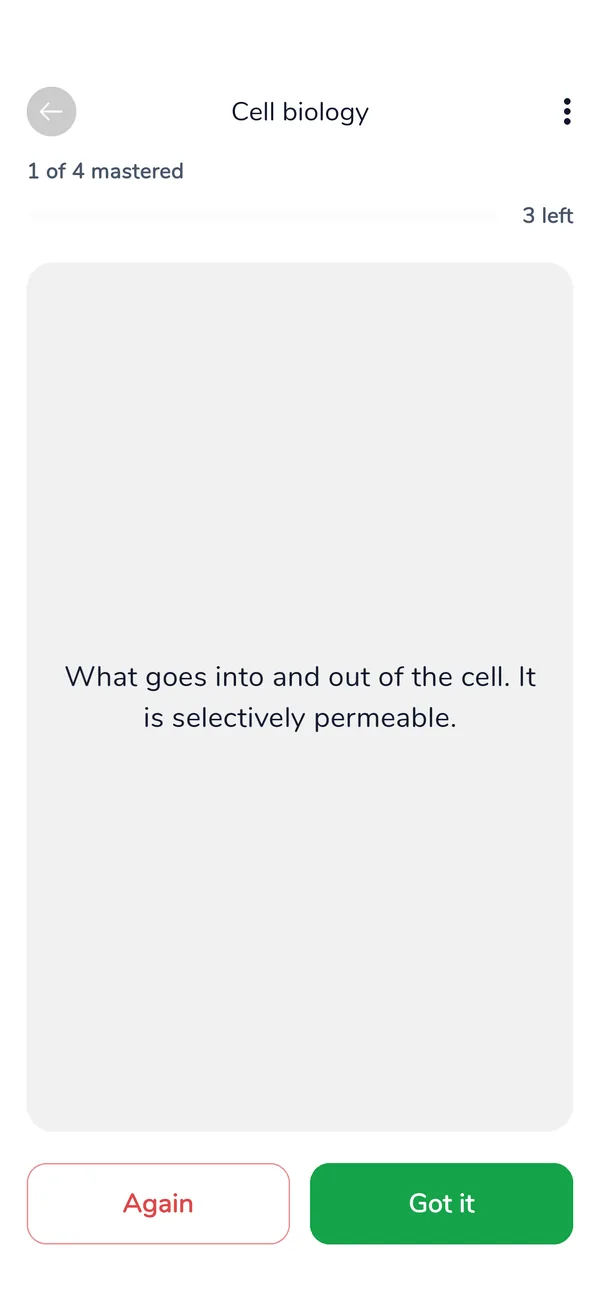
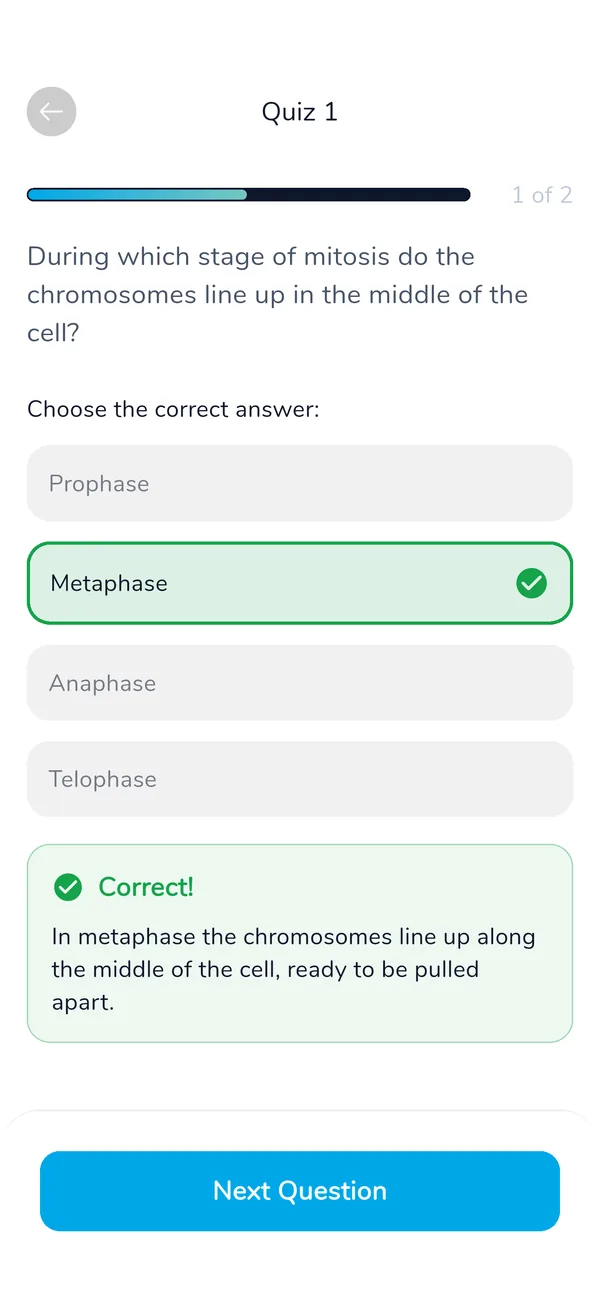
Add a PDF, slides, photos, pasted text, a YouTube link or a recording of the lecture. StudyWizardry reads them and builds a study guide, lessons, flashcards, quizzes, a learning path and a knowledge map.

How it works
"Lecture 7 – The Cell Membrane.pdf". Add up to five.
We read your sources and build a guide, lessons, flashcards, a quiz and a map.
Start the learning path, or open the guide, cards, quiz or map.
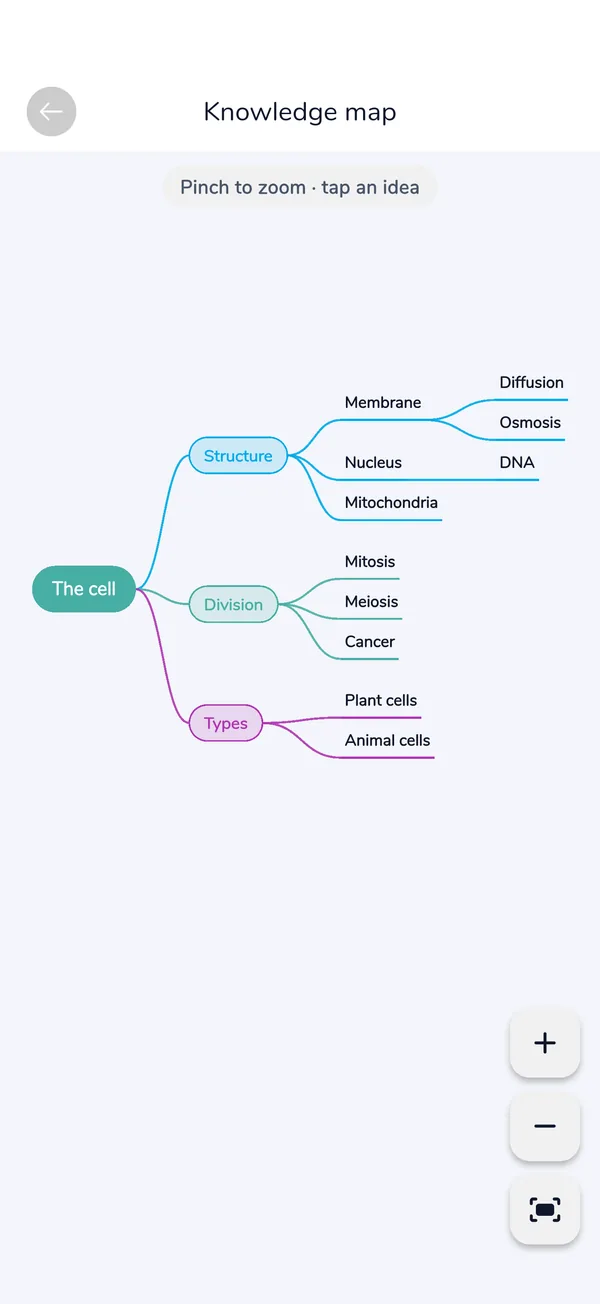
See how the ideas connect.
Every set gets a map of its ideas. Tap one to open the lesson that explains it, or ask the tutor about it.
Questions
What can I add?
PDFs, slides, photos, pasted text, YouTube links and lecture recordings, up to five per set.
How many sets are free?
3 study sets a month. Premium makes them unlimited.
Can I ask about my own material?
Yes. The tutor answers from your sources, for the whole set or a single lesson.

Try it free tonight.
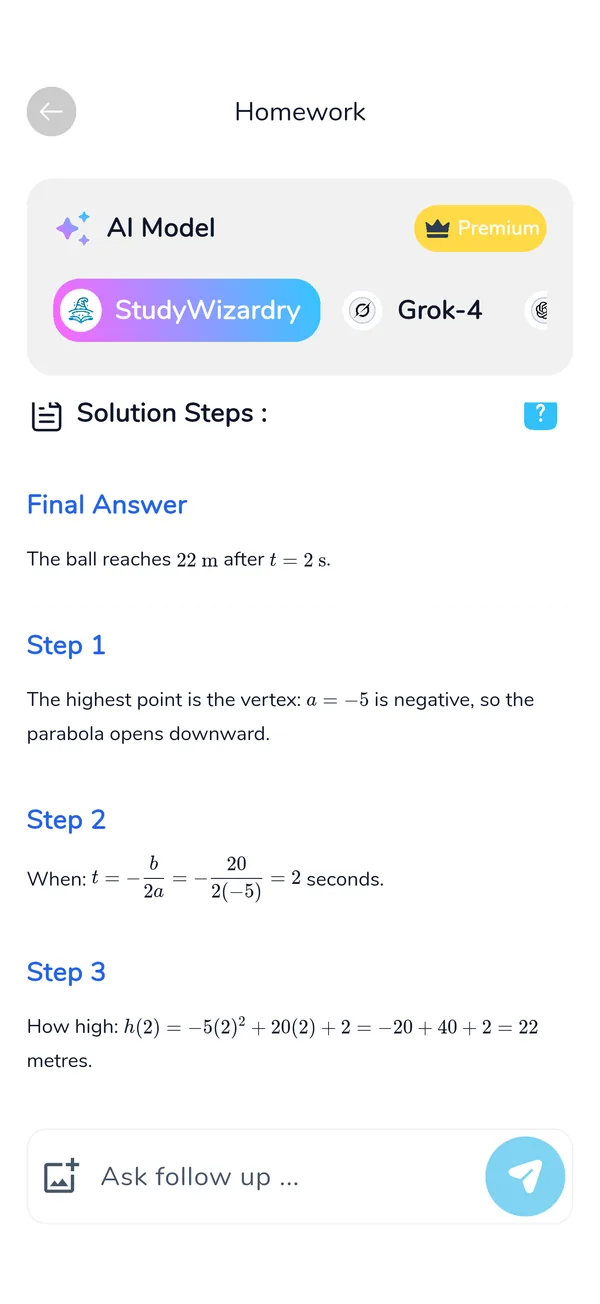
5 solves a day, flashcards, quizzes and the planner. No card needed.